
Blog
News
Upload your audio and your text. Our AI lines them up for you, frame by frame.
6/11/2026
Dewey Yoon
1min
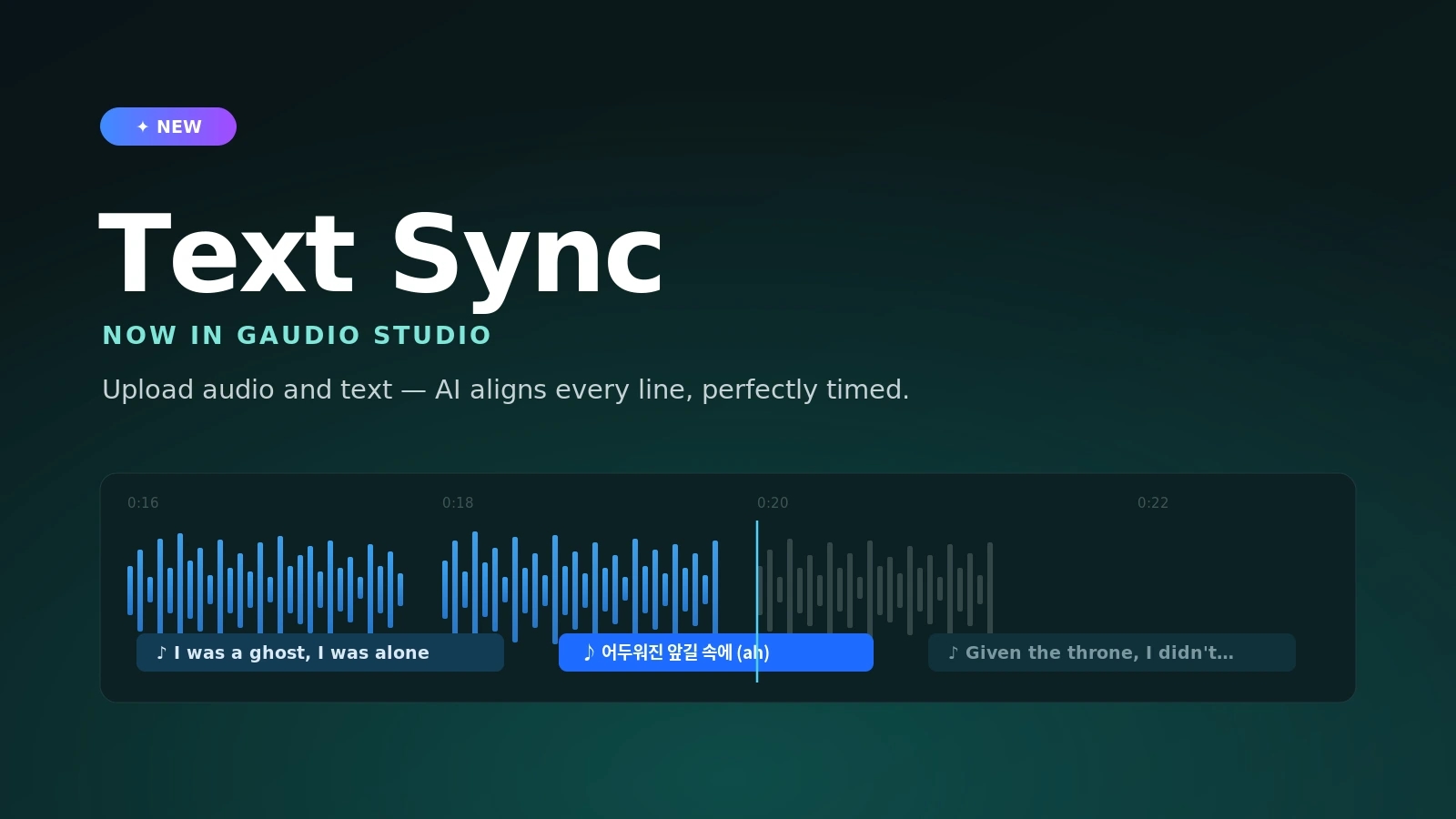
Getting words to land exactly on the beat used to mean dragging timestamps around for hours. Lyric videos, karaoke tracks, subtitled clips — all of it came down to the same tedious, frame-by-frame manual alignment. So we built something to do it for you.
Today we’re adding Text Sync to Gaudio Studio. Text Sync automatically synchronizes your lyrics — or any text — with your audio, giving you time-aligned results without the busywork. Drop in a song and its lyrics, and our AI listens, matches each line to the exact moment it’s sung, and hands you a clean, ready-to-use timeline. What used to take an afternoon of nudging timestamps now takes a single upload. “The words just snap into place. It feels like magic the first time you see it.”
Text Sync is built for lyrics first. You can produce time-synced lyric files for music players, karaoke, or lyric videos in a fraction of the time it used to take — no manual timing required. But it isn’t limited to music. Text Sync is just as useful for time-synced subtitles on video — interviews, podcasts, social clips, anything where the words need to track the audio precisely. If you have spoken content and a transcript, you have everything you need.
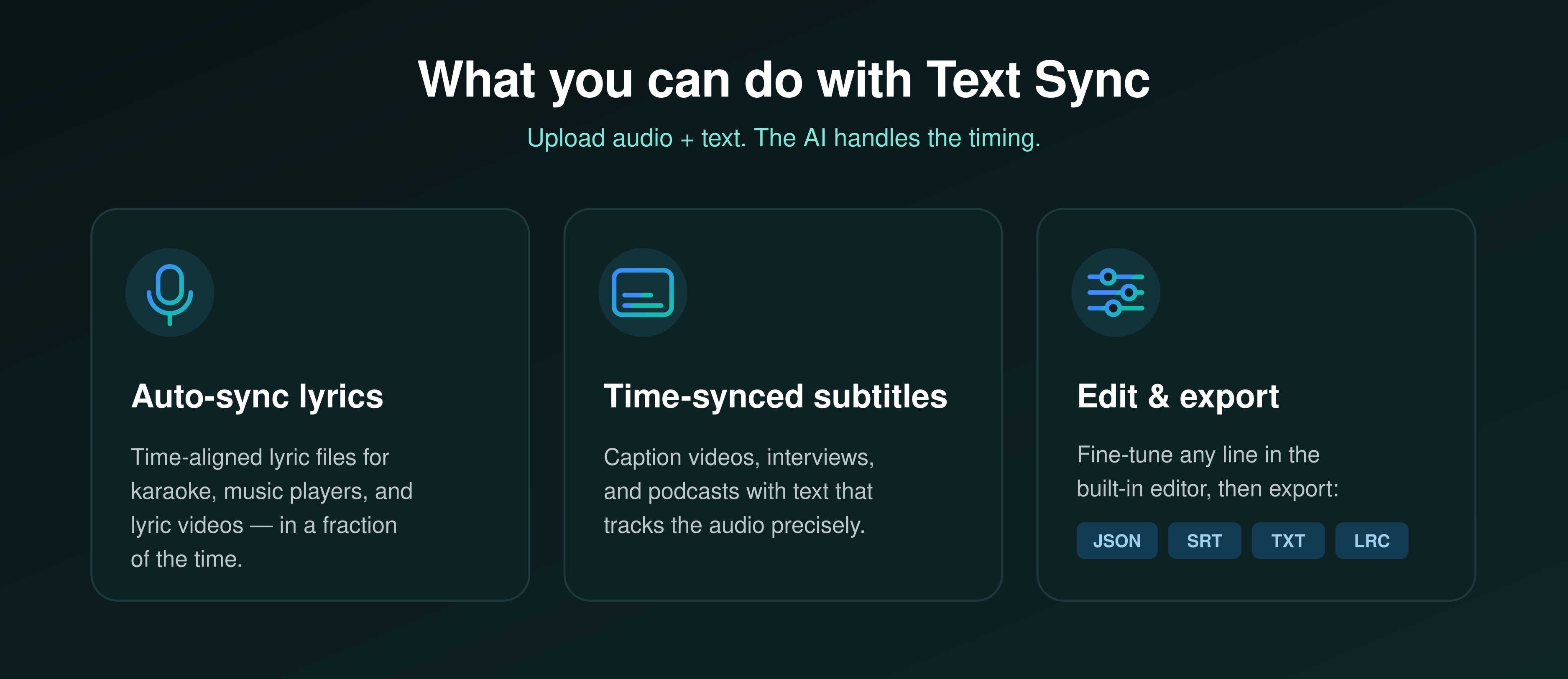
AI gets you most of the way there; the editor gets you the rest. Every result opens in a visual editor where you can:
When it looks right, export in whatever your workflow needs:
No more hand-timing captions. Upload, sync, polish, and ship.
Text Sync is the latest addition to a growing toolkit built to take the tedious work out of audio and let creators focus on the craft. Whether you’re a musician preparing a release, a video editor captioning a cut, or a podcaster publishing an episode, the goal is the same: perfectly timed text, with a fraction of the effort.
Have a song that needs synced lyrics? A video that needs subtitles? A transcript you’d rather not time by hand? Open Gaudio Studio, upload your audio and text, and let Text Sync do the timing.
👉 If you’d like to try out the new Gaudio Text Sync, please click this link